Login & User Account
Once 21 Travel Rule is installed and used for the first time, an admin needs to set up the compliance users on Keycloak. The admin should give you a temporary password and assign a username to the compliance user.
Initial Compliance User Setup
User Name and Password
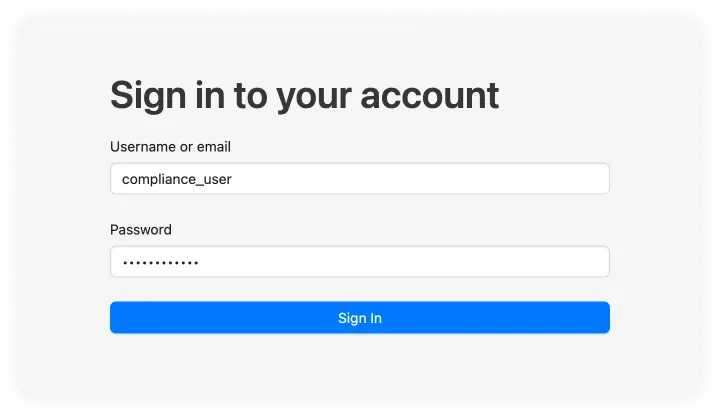
Once the username and password are set up by the admin you can add them to the following form.
Login Password Update
Since the password provided by the admin is temporary you will be required to choose a new password for future use. This password can be modified later.
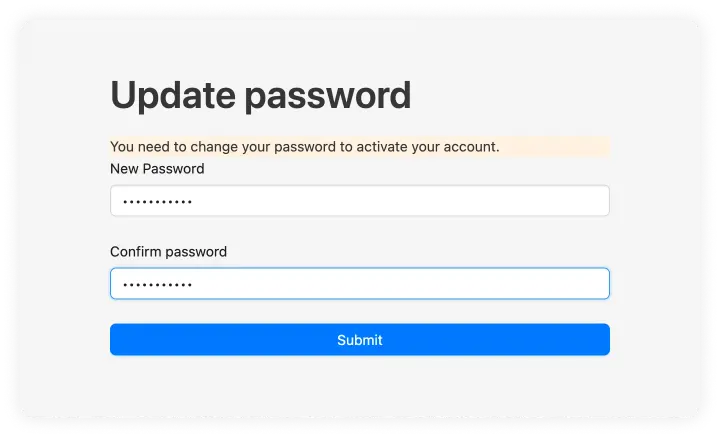
After this you will be automatically logged in and can log in with your new password the after logging out. We will be using another user named 'Bitcoin Exchange AG' throughout the documentation.
Changing your Password
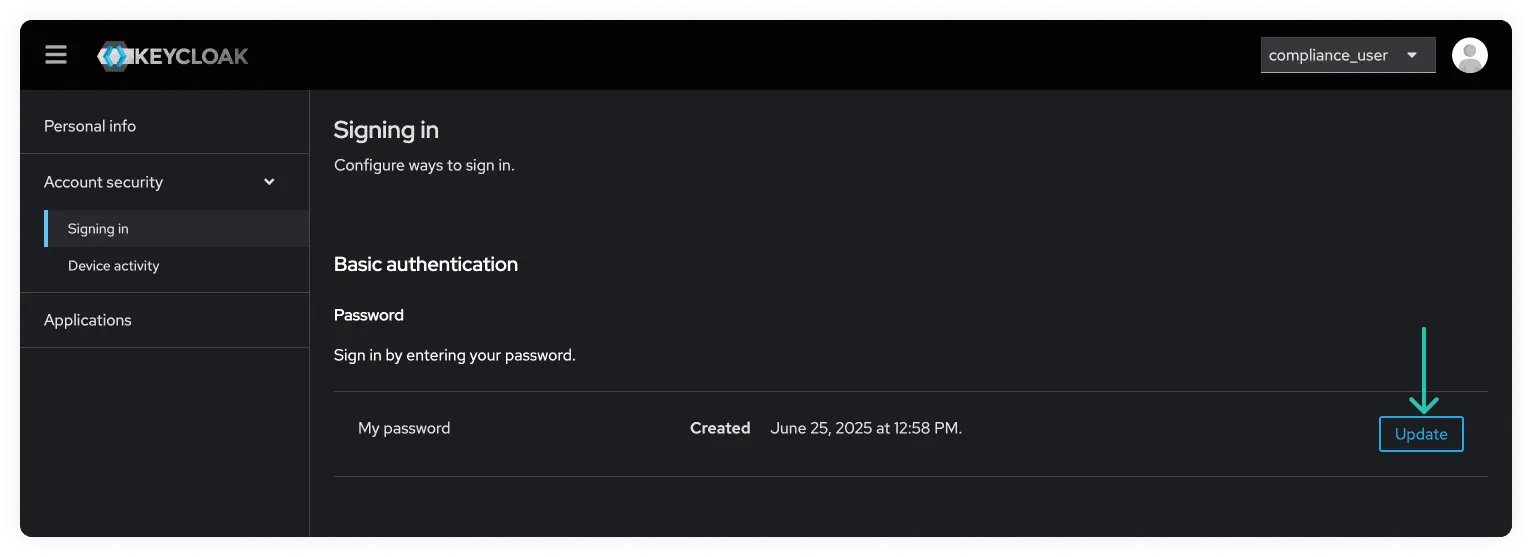
To change your password later, open the account menu in the upper-right corner
and select User Account. This opens your account-management dashboard in
Keycloak.
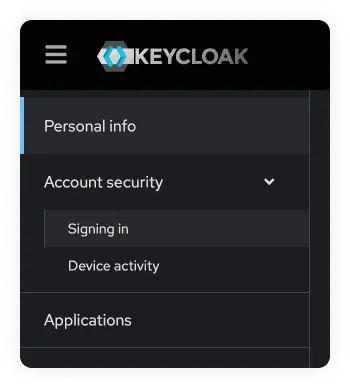
Navigate to "Signing in" under "Account security" in the left-hand menu.
Then click on the "Update" button, which will bring you to a form where you can change your password.