Event History
Use Event History to review the actions recorded for an individual customer, transaction, self-hosted wallet proof or counterparty VASP, including who performed them and when.
View Event History
Open the detail view of a customer, transaction, self-hosted wallet proof or
counterparty VASP (Email, TRP or TRUST). Click the History icon in the title
bar, labelled Action History when you hover over it, to view events for that
object.
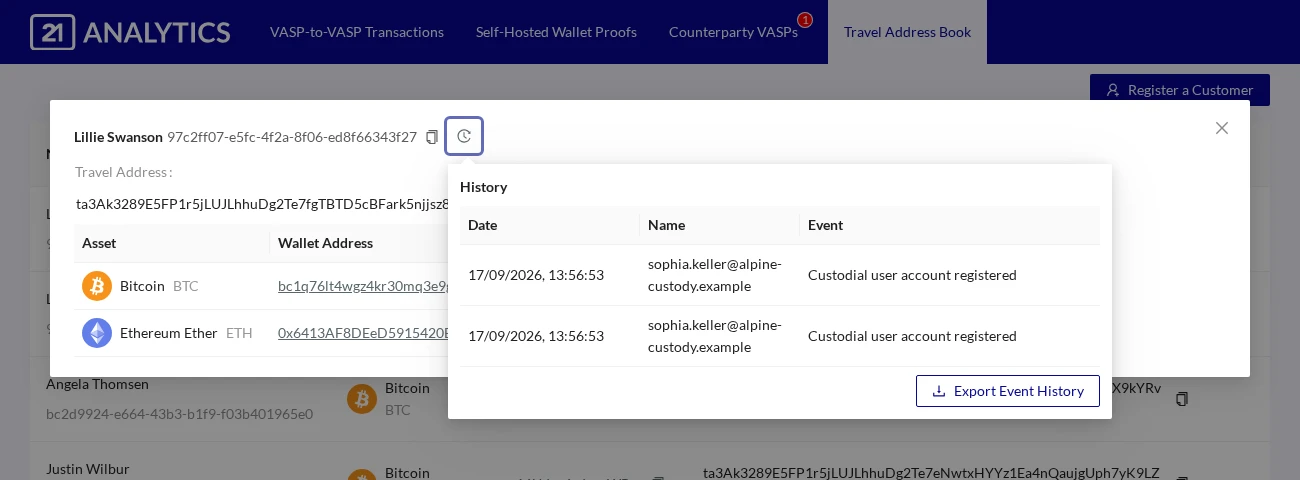
The history shows the most recent 100 events, newest first, with Date, Name
and Event columns.
Export Event History
Click Export Event History to download all events for that object as an
.xlsx (Excel) file, including events beyond the 100 shown. The export button
is disabled when no entries are available.