Column Visibility
Tables in the GUI let you choose which of their columns are shown, so you can reduce a table to the information relevant for your workflow.
The gear icon at the right end of the title row opens a menu listing the columns. Tick a column to show it and untick it to hide it. Columns holding row actions are not listed and remain visible, and the last remaining column cannot be unticked.
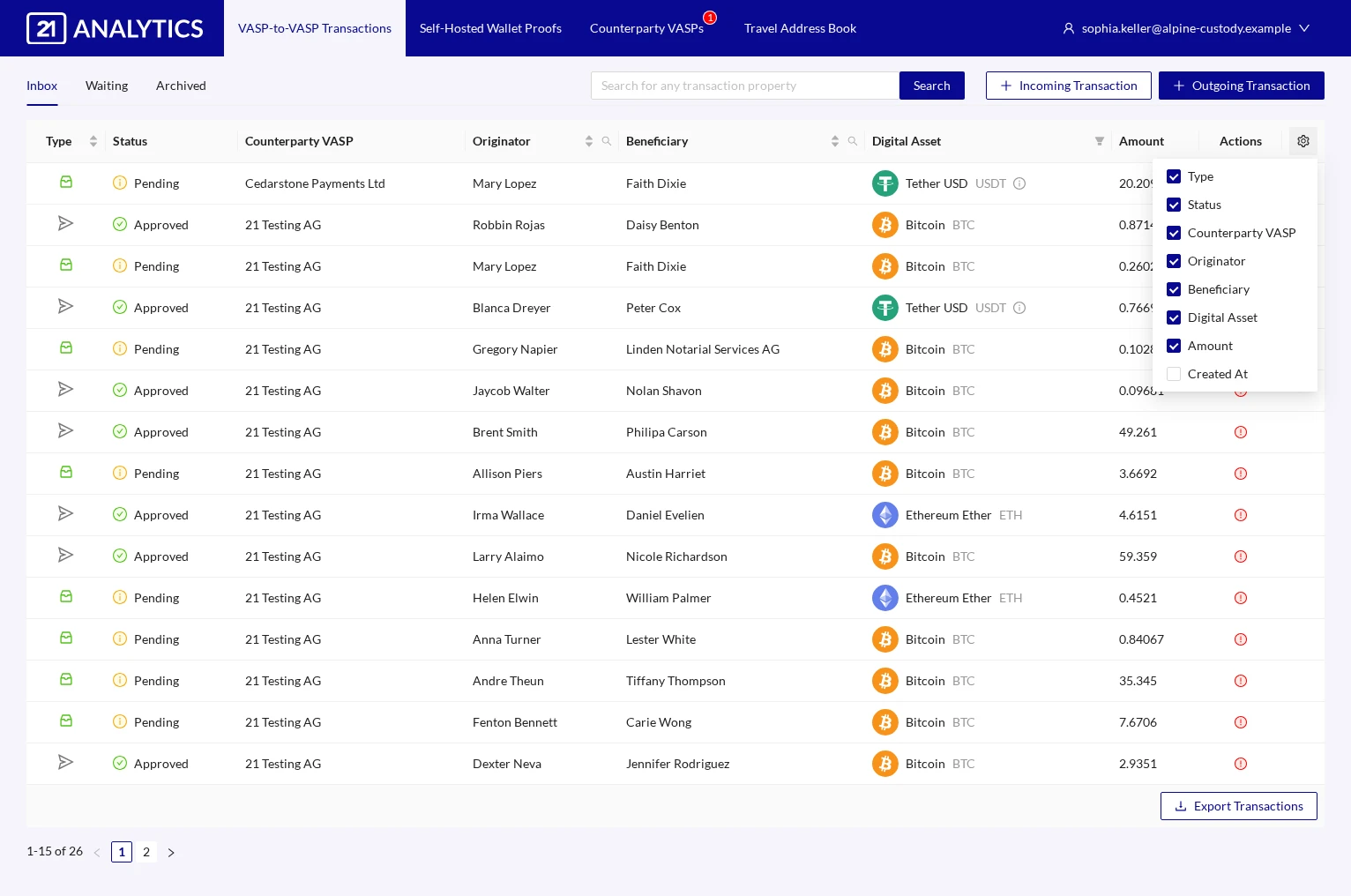
Your selection is stored in your browser for each table individually, so it survives a page reload. It is not part of your user account, which means that another browser or device starts from the default columns again.